5 Reasons to Use a VPN on Your Phone

5 Reasons to Use a VPN on Your Phone

VPNs Are Not Only for Desktop Computers

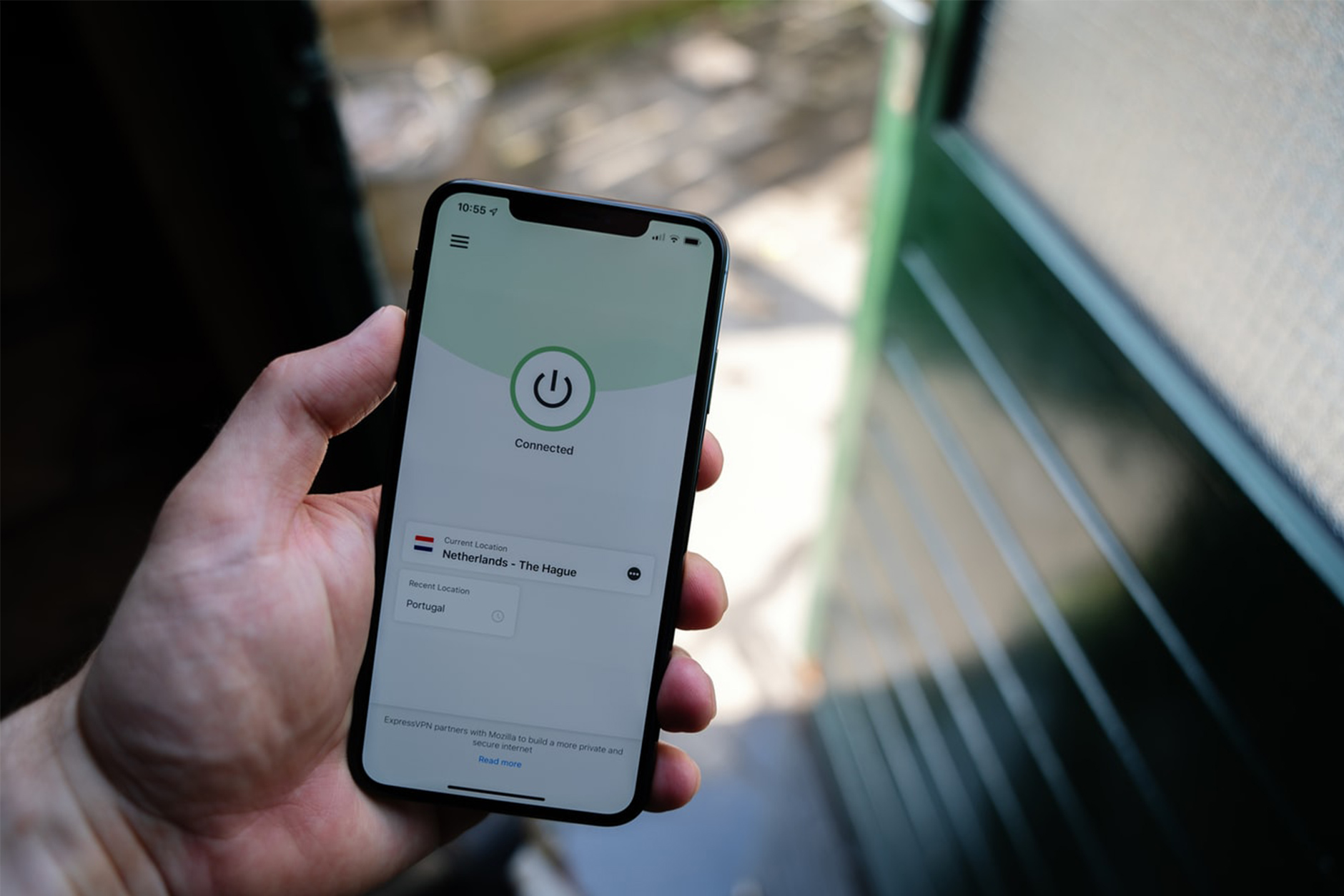
VPN stands for Virtual Private Network. When you use a VPN, all of your internet usage will be encrypted and hidden from hackers and even your ISP. Consequently, they are invaluable as a way of keeping your data private and safe. A common scenario for using a VPN is working remotely and using a public or unfamiliar Wi-Fi connection. However, VPN’s aren’t limited to PCs and laptops. You can also install them on your phone, thus protecting your mobile data wherever you are. Here are 5 questions to consider before venturing out into the wild without a mobile VPN.

1. Is Your Private Data Safe?

These days iPhone or Android Smartphones are constantly connected to the internet, updating emails, syncing social media, and exchanging data. Moreover, when connected to an unsecured public Wi-Fi, your information is completely vulnerable. So, what if somebody intercepts that traffic and gets a hold of your Facebook password, credit card numbers, browsing history and confidential emails and messages? Installing a mobile VPN can hide you from these threats.

2. Is Your Phone Protected from Ransomware and Hackers?

More companies are reporting an increase in mobile phone ransomware attacks. They operate in the same way they do on PC networks. This means your mobile will be locked, and a ransom, typically in Bitcoin, will be demanded. So, the best way to prevent this is to not be visible on the internet. Using a mobile VPN creates a ‘tunnel’ that gives you anonymity from hackers.

3. Accessing Private Corporate Files on your Mobile?

When you’re out and about, it’s often easier to respond to urgent business emails from your mobile. But what if you need to attach a file? Well, if you access your work server via your mobile, and you don’t have a VPN, then you might be asking for trouble.

4. Gain Access to International Streaming Services with a Mobile VPN

Most streaming services, and some broadcasters, prevent access to their services from a different country. However, it’s possible to circumvent these geo-restrictions but routing your internet traffic through a VPN server located in the same country.

5. Looking for a Faster Connection and Greater Bandwidth?

Some VPN services, such as Speedify, offer the ability to combine several internet connections simultaneously. Consequently, you can expect faster streaming, better video calls and quicker downloading when you need it.

If you’d like to know more about mobile VPN’s, chat to our friendly team at SOS Phone Repairs today on 1800PHONES

What to do if you Drop your Phone in Water

Unless you’re lucky enough to own a later model mobile phone that is actually waterproof, and you drop your phone in water, then you have a problem. But wait! It’s about 50 50, but all is not lost. If you act quickly and follow the steps below, you may save your water damaged phone.

What Damage does Water do to my Phone?

So, you’ve dropped your expensive portable microcomputer that cost several hundred dollars down the toilet. What exactly does the water do to the phone? Firstly, the water may short-circuit the electronics in your phone, causing irreparable damage. Microchips can burn out. Secondly, moisture left in your phone may cause corrosion that’ll eventually cause the electronics to fail. So, act fast. Retrieve the phone from the water as quickly as possible.

What Should I do with a Water Damaged Phone?

There’re a few things you shouldn’t do with a water damaged phone. First, don’t turn it on or plug it in. Essentially, mess with it as little as possible. Secondly, don’t apply heat to the phone, such as from a hairdryer. Excessive heat can cause more damage. Lastly, please don’t press any keys or move it around too much. Your objective is to prevent water from moving in the phone. Now that you’ve settled down and your heart rate is returning to normal, you need to help it dry out as quickly and gently as possible.

Drying a Wet Mobile Phone

First, disassemble the mobile. We don’t mean take it apart. Only remove the obvious things like the back, the battery, the SIM card. Now, place everything on paper towels and pat it all dry. Next, you must exercise restraint and leave the phone and components at least overnight to dry out fully. A popular technique to speed the drying is to put the phone in a bowl or bag of dry rice. This is mainly because everyone has rice and because it’s a substance that’s good at absorbing moisture. Also, those little silica bags are effective too.

The Moment of Truth

The big day has arrived; it’s time to attempt to switch on and test your phone. So, carefully put it back together, plug it in, and switch it on. With a bit of luck, it’ll light up, and away you go! Keep an eye out for odd behaviour, though, particularly button failure. On the other hand, if it fails to turn on, it may be time to either replace it, have it looked at by a phone repair specialist or make an insurance claim if you have some. Good luck!

We are specialist phone repairers and can help you get your water damaged phone working again. Call SOS on 1800PHONES now.

5 Simple Ways to Avoid Having a Broken Phone

We all carry our mobile phones with us almost everywhere we go. Consequently, we expose them to all kinds of situations and hazards likely to cause damage. Manufacturers do build phones to withstand drops, bashes, scratches and even water, but they have their limits. We all know that feeling of dread when you drop your phone, it lands hard, face down on the pavement. Then, as you reach down to pick it up, you’re praying not to see a shattered screen. Well, here are some simple tips to avoid that dread and to help avoid having a broken phone.

1. Buy a Good Case

This is probably the most effective way to avoid a broken phone. That said, there’s no need to go for a crazy super-chunky bomb-proof case! In fact, good cases are often slim, light and well designed. Essentially, you need to protect the corners and the back and front from scratches. Some cases have a protective screen cover but often just having a raised rim on the case is enough to protect it. Alternatively, look at the many wallet/phone case combo’s out there.

2. Give Your Phone a Bit of TLC

A regular clean and wipe down works wonders to prevent a broken phone. Not only will a build-up of grime effect how your touch screen works, but it can also cause port failure. Furthermore, if you’re having trouble charging your phone, check the power port for debris. Dust and fluff often build up in the port and prevent a good connection to the charger. So, try carefully clearing the port with a cotton bud or toothpick. Go easy, you don’t want to damage it. If this still doesn’t work, drop into a phone repair shop.

3. Sitting On It Will Mean a Broken Phone

It’s a good idea to get out of the habit of putting your phone in your back pocket. After all, sitting on a wafer-thin piece of glass and delicate microchips usually doesn’t end well. Also, keep your keys and coins out of your phone pocket.

4. Buy Good Quality Chargers and Cables

Right, so you’ve invested in a $1000.00 miniature super-computer that also makes phone calls. Now is not the time to just plug it into anything. Most phones need a specific power (amps) and voltage for them to charge efficiently and safely. So, avoid the $10.00 copy and buy the original OEM chargers if you can. Or, make sure the cheaper one is an accredited manufacturer. Believe me, getting this wrong can end in disaster.

5. Use a Screen Protector

There’s no doubt that modern mobile phone screens are a triumph of technology. However, they are also the weakest part. So, for just a few dollars, you can add a strong layer of protection from scratches, dirt and drops with a simple screen protector. Furthermore, a replacement can be popped on in seconds with just your fingernails and a clean cloth.

If you’d like to find out more about avoiding a broken phone or to book a quick and easy phone repair, chat to us at SOS Phone Repairs today on 1800PHONES
How to Keep Your Old Phone Running Like New

In general, people seem quite happy with their current mobile phone. After all, we spend a fair bit of time researching which one to commit to next and we like to hang on to them. In fact, iPhone enthusiasts tend to keep their iPhone for three or four years, sometimes even longer.  So, even though you love your phone, it may be becoming slow or low on memory, perhaps it has some cosmetic damage, or maybe the mobile battery life is poor. But wait! Before you rush out and buy a new one, let’s look at some ways to keep your phone running like new.

Apply Software Updates When They Arrive

It’s important to download and install updates when they appear. This is for 2 main reasons. Firstly, they usually contain essential security updates and patches that’ll help keep your data safe. Secondly, they include bug fixes and software improvements. Often, these fixes will improve the responsiveness and battery life of your phone.

Free Up Some Space

People panic when it looks like their phone memory is getting full. Let’s face it, thousands of pictures and hundreds of videos will do just that! Now would be the time to consider a cheap cloud-based subscription so that your images and vids are stored online and not on your phone. For instance, Apple Photo and Google Photo are easy to use services that are cheap, quick and easy. And don’t worry, you can still browse all your images and instantly download them for viewing.

Invest in Mobile Battery Life

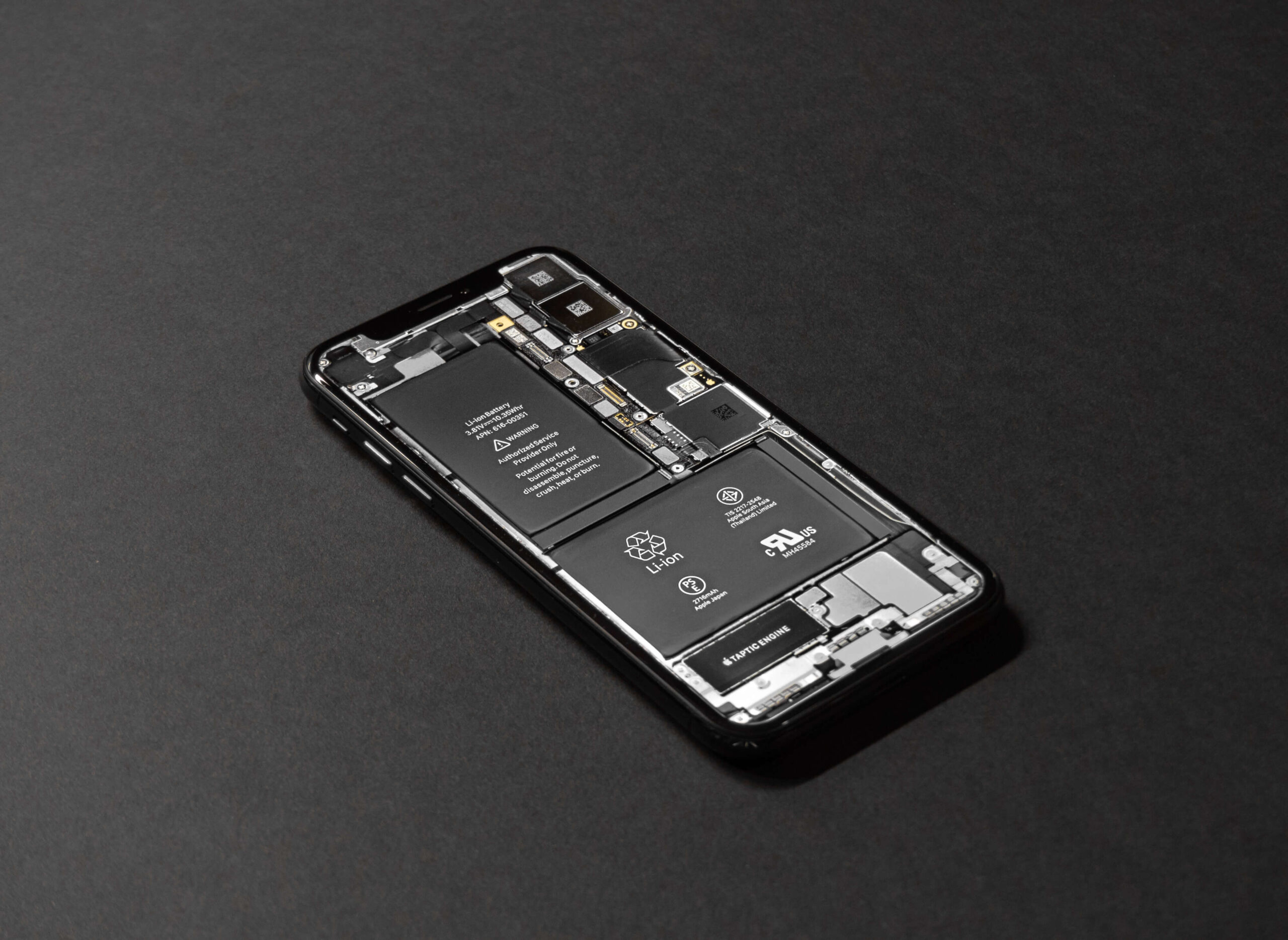
Reduced mobile battery life is a common issue across all mobile phones. In fact, both Android and iPhone allow users to see which apps are eating up their battery life and make changes. So, before investing, look up ‘Battery Usage by App’. Failing this, if your phone is showing a worn-out battery (look at Battery Health), consider buying a replacement using Apple’s battery replacement program. If your phone is under warranty, a replacement should be free.

Protection for Your Phone

Some folks are purists about their phone’s design and they don’t like to compromise it with a case. However, although mobiles are far more robust than ever, it’s still worth considering a case or screen protector. There’s a huge range available ranging from minimalist to super-tough military-type cases. Lastly, phone insurance from your carrier or phone manufacturer may be worth having. Especially if you want protection from damage, loss and theft.

Chat to our friendly team today at SOS Phone Repairs on 1800PHONES for a quote on screen repairs, replacement batteries, cases and screen protectors.