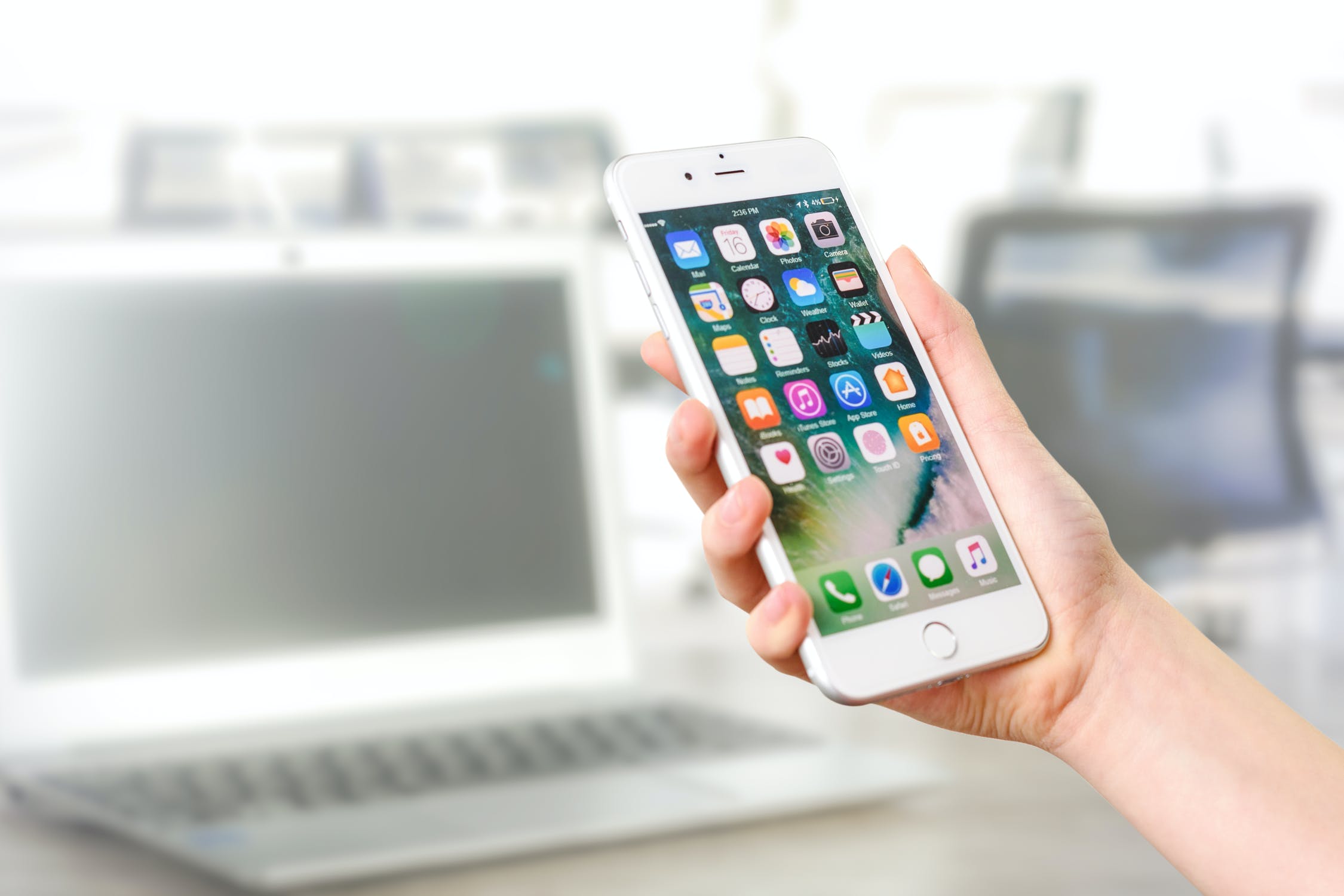
Do You Still Need a Screen Protector For Your Smartphone?

Do You Still Need a Screen Protector For Your Smartphone?

There was a time, back in the day, when you wouldn’t consider leaving the phone shop without a chunky screen protector and big-bumper phone case for your new smartphone. After all, the first iPhones and Galaxy’s cost like a month’s salary and were known to be pretty delicate. In fact, one drop or bump, and it was all over for the screen. Remember the heart-stopping moment after dropping your phone when you’d reach down and slowly turn the phone face-up whilst muttering, ‘please no, please no’? Then there was the rush of pure joy if the phone screen was unmarked (unlikely) or total dismay if it was shattered (likely)? So, what about today’s phones? Do we still need to fit a screen protector?

What are Screen Protectors for iPhone and Galaxy?

Screen protectors are available in plastic and toughened glass. They provide a clear protective layer that sits on top of your existing screen. Actually, most protective screens these days are toughened glass and they provide good protection from abrasive objects, such as keys and coins. If you go to the beach a lot, it’s still a good idea to use a protective screen because sand is so abrasive, even to modern Gorilla Glass screens found on most Android phones. Similarly, iPhone have their own proprietary toughened glass that’s on a par with Gorilla.

What is Gorilla Glass?

Most smartphones today, besides iPhones, use Corning’s Gorilla Glass. This is a toughened, very hard glass with high scratch resistance. In fact, Gorilla Glass is harder than the metal used in keys, coins, and other household metal items. Also, screen protectors boast anti-fingerprint properties. But again, most modern smartphones have ‘oleophobic’ coatings that repel oils and reduce messy fingerprints.

Final Thoughts on Screen Protectors

So, essentially, screen protectors aren’t as necessary as they used to be. However, if you’re a belts and braces kind of guy, then sure, go for a screen protector. In reality, it may not do much, but you’ll probably sleep better.

If you’d like to chat to our friendly team about screen protectors or about a replacement screen, feel free to contact SOS Phone Repairs or call 1800PHONES now

6 Tips to Extend your Phone Battery Life

These days, phone manufacturers don’t allow easy access to replace your mobile phone battery. Consequently, phone batteries should be replaced by phone repair specialists. Also, try to choose one that offers a warranty with their work. Your mobile phone battery should give you good service, certainly for as long as your contract. However, there are several ways you can degrade your battery and consequently reduce its lifespan. In this article, we’re going to be looking at 2 different issues. Firstly, how to extend your phone battery lifespan. And, secondly, how to improve your phone battery life, i.e. increase how long a single charge will last.

1. What Degrades Your Phone Battery Life?

Every time you charge your battery, you degrade it slightly. Officially, phone manufacturers claim a battery will degrade by 20% after 400 complete charge cycles. Obviously, there are lots of variables, and this figure varies down to as low as 100 cycles to up to 1000. So, the less you drain and charge your battery, the longer it will last. Also, slow charging your battery will help too. Current wisdom concerning charge amounts seems to recommend keeping your battery around 50% charge. So, never fully charge or fully discharge your battery.

2. Avoid temperature extremes

Your battery will be adversely affected by extreme heat and cold.

3. Turn Down Screen Brightness

Obviously, turning down your mobile phone’s screen brightness will save energy. Therefore, make sure you enable Auto-screen brightness on your device. This will adjust screen brightness depending on ambient light conditions.

4. Extend Phone Battery Life by Reducing Auto-lock Time

With a bit of trial and error, you can decide on the minimum Auto-lock time that suits you. For an Android phone, an app called Tasker can activate different Auto-lock times for each separate app.

5. Choose Dark Mode

Selecting a dark theme can save battery life. This is particularly relevant for more modern OLED screens. Also, dark themes are easier on the eyes and mean less blue light which can interfere with sleep patterns.

6. Look for Battery Hungry Apps

Both iPhone and Android allow uses to see exactly which apps are using most of your battery life. For instance, a significant culprit is Facebook. Others are inconspicuously draining your battery by reporting your location and continually refreshing in the background. So, spend a bit of time deciding if you should just delete these offending apps or simply turn off background refresh and location settings.

If you’d like to chat to an expert about extending your phone battery life or to discuss getting a replacement battery, feel free to contact SOS Phone Repairs or call 1800PHONES now

6 Smartphone Security Tips You Must Do Now

According to recent research, the total number of mobile phones in use globally in 2020 is around 5 billion. About half of those mobiles are smartphones. Incredibly, this equates to about a third of the global population using their phones to browse the web, engage in social media, text, email, and make calls. So, even if you were late coming to the party, it’s likely you’re now using your smartphone every day and racking up gigabytes of accumulated personal information. At this point, you should be thinking about smartphone security. So, how will you keep your information, and privacy, safe?

1. Set-up a Passcode

This is a basic, first level of defense. This stops anybody from getting easy access to your apps and information. Also, for added convenience, set-up touch, or face ID if your device allows it. This way, you only need to apply a fingerprint or look at your camera to unlock it.

2. Avoid Suspicious Links

Treat any link you receive via text or email with caution. Basically, if you don’t know the sender then do not click it. Even if you recognise the sender, check first to make sure it was actually sent from them. Cyber-criminals are becoming more sophisticated and pretending to be someone else is their game. This is called phishing, don’t take the bait!

3. Don’t Delay, Update Today

Once you’re notified of a software update for your device, download and install it. OS updates are to add features but also to patch security flaws and provide better smartphone security.

4. Use a Unique Password Every Time

This can be annoying we know but if a hacker gets hold of a password, you can be sure they will try every account you have. So, consider using a Password Manager to help you create strong passwords and store them safely. Alternatively, write them down if you absolutely have to, but don’t keep them near your devices.

5. VPN’s For Smartphone Security

If you logon to free Wi-Fi, be sure to connect through a VPN app. Free, or Open Networks, are hotspots for cybercriminal activity. Browsing through a VPN will hide your activities from the prying eyes of the cybercriminal.

6. Backup to the Cloud

Make sure your phone is set to automatically backup to the cloud. This gives you peace of mind if your device is ever lost, stolen, broken, or hacked. Plus, if any of this happens, remember to use the ‘erase my phone remotely’ option.

If you’d like advice on any of the subjects discussed here, feel free to contact SOS Phone Repairs or call 1800PHONES today